Key Takeaways
- Appliance repair jobs usually take two visits. Missing parts on the first visit cuts profit and frustrates customers.
- Effective software gives techs mobile access to serial numbers, model history, past repairs, and van stock before they arrive.
- Key capabilities include van-level inventory tracking, structured warranty parts return workflows, hybrid in-shop and field dispatch, and two-way QuickBooks sync.
- Teams running 7 to 50 techs see the most value from platforms that standardize multi-stage workflows and keep office and field aligned.
- FieldPulse delivers mobile-first parts lookup, van stock management, warranty tracking, and workflow standardization that help reduce second trips and recover more warranty credit.
Executive Summary and Decision Framework
This guide walks through the appliance repair job from intake to invoice, the software capabilities that matter at each stage, and how to match platforms to your business shape. Use this framework to clarify what your business needs before you compare tools.

Each point in the framework lines up with a stage in the job workflow you will see in the next section.
- Mobile parts and service history lookup: Your techs pull serial numbers, model history, and past repair notes from their phones before they walk in the door.
- Van stock and inventory: Parts are tracked by vehicle, with low-stock alerts and barcode scanning, so you know what is on each truck before dispatch.
- Warranty parts tracking: The software logs failed parts, tracks return authorizations, and closes the loop on reimbursement instead of relying on manual tracking.
- In-shop vs. field dispatch support: If you run a drop-off counter alongside field service, the software handles both in one system.
- QuickBooks integration: Two-way sync keeps corrections made in QuickBooks aligned with your field service software.
- Workflow standardization: You define job stages and required actions by job type so every tech follows the same process on every call.
- Fit by business size: The platform is built for a team your size instead of feeling too simple or too complex.
The Appliance Repair Job Workflow
Appliance repair work usually runs as a two-visit job, not a single event. A typical call includes a diagnostic visit followed by a return visit once parts arrive. The gap between visits, often several days, is where profit margin leaks and customer frustration build.

Here is how the job usually moves and where problems tend to show up.
- Intake and scheduling. Your office administrator or dispatcher captures customer details, appliance make, model, serial number, and symptom. Capturing the appliance model and serial number at intake before dispatch is the highest-leverage change to first-visit fix rate. Shops that add this step typically see first-visit fix rate jump 8–15 percentage points in the first quarter.
- Diagnosis. The tech identifies the fault on site. Profit often hinges on this step. A misdiagnosis means a part ordered, a second trip, and a customer who does not pay for either mistake.
- Parts lookup by serial and model. The tech checks whether the part is on the van or must be ordered. Without mobile access to parts and the customer’s history, this step depends on memory or a call back to the office.
- Van stock check. If the part is not stocked, the job moves to “Awaiting Parts.” A second truck roll costs an appliance repair business roughly $150–$220 all-in. That cost includes a trip charge that often cannot be re-billed, labor on the follow-up visit, and the lost schedule slot.
- Repair or return visit. The tech completes the repair or schedules a return once the part arrives. The office needs to re-dispatch the right tech to the right job without rebuilding the context from scratch.
- Warranty parts handling. The tech logs the failed part. The office submits the claim and tracks the return. Structured digital warranty-return workflows recover 95%+ of warranty credit, while paper-based shops usually recover far less because manufacturers audit returns and deny credit on incomplete submissions.
- Invoicing and payment. The office or tech generates the invoice and collects payment. The common pricing model uses a diagnostic fee that credits toward the repair if the customer approves. The platform needs to handle that credit cleanly on the return-visit invoice.
Most breakdowns cluster around three points. Second trips come from weak van stock and parts lookup. Lost warranty credit comes from unstructured tracking. Confusion at the drop-off counter comes from running in-shop work and field dispatch in separate systems.
Core Considerations and Trade-Offs
Your software choice rests on a few structural decisions. These choices shape how your office, your techs, and your dispatchers experience the platform every day.
Mobile-first parts and history lookup vs. office-only records. When techs cannot pull serial numbers, model history, and past repair notes from their phones, the office becomes a bottleneck on every call. Mobile-first lookup cuts callbacks and supports faster diagnosis on site.
Van stock vs. central inventory. Tracking parts by vehicle lets dispatch confirm a part is actually on the truck before sending it out. Central inventory alone cannot do this and still leads to second trips.
Hybrid in-shop and field dispatch vs. field-only. Many appliance repair shops run both a drop-off counter and field dispatch. Software choice should match whether your business is primarily a shop, primarily field dispatch, or a mix of both. Hybrid operations need one system that supports both flows.
Two-way QuickBooks sync vs. one-way export. A one-way export means corrections made in QuickBooks do not carry back into your field service software. That gap creates double entry, reconciliation problems, and a bookkeeper who stops trusting either system.
Flexible workflows vs. standardized job stages. When every tech runs the job differently, quality drifts as you grow. Standardized job stages with required actions at each step keep quality consistent and help new hires ramp faster.
Speed of setup usually favors simpler tools. Depth of control usually favors platforms built for multi-stage workflows. Your business shape, not a feature checklist, should guide the decision.
See how FieldPulse handles your workflow
How Appliance Repair Software Should Handle the Job
Mobile-First Parts and Service History Lookup
Your tech should arrive already knowing which appliance they are working on, what has been done to it, and which parts are likely. That means serial number, make, model, age, and past repair symptoms live on their phone instead of back at the office. A customer and asset record with full equipment history makes this possible.

Without that record, the tech calls the office or starts from scratch on every visit. Your office then spends time fielding calls it should not need to handle.
Van Stock and Inventory Management
Tracking parts by vehicle prevents second trips. Barcode scanning, low-stock alerts, and serialized inventory make that tracking reliable.
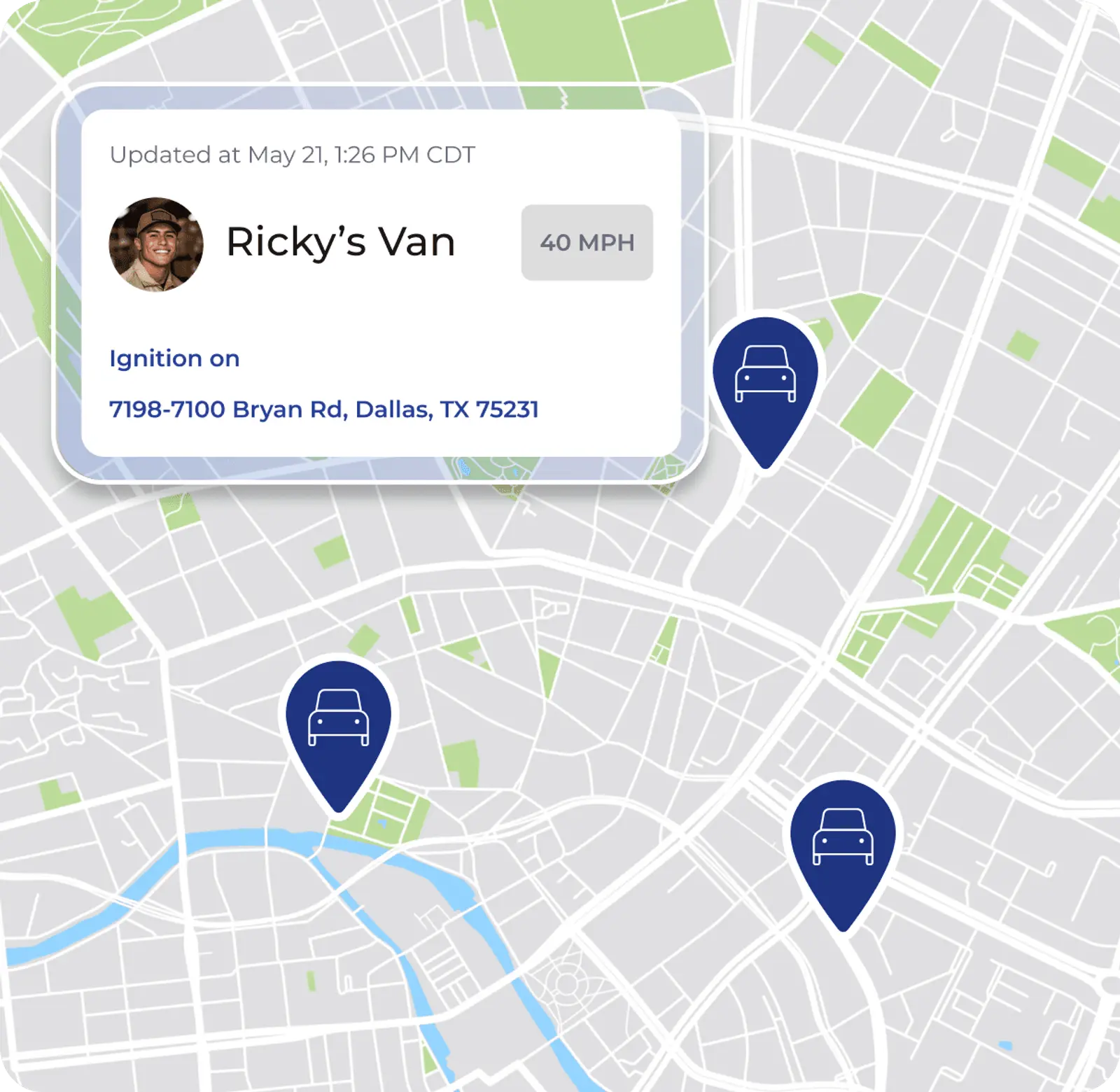
Appliance repair businesses with strong inventory systems complete 40% more jobs per technician monthly compared to those using manual tracking. The key is assigning parts to specific vehicles before dispatch. That way, one work order cannot quietly consume stock another job expected to use.
A repair call should look ready because the correct part is assigned, visible, and available for that job, not just because your business owns enough parts overall.
Warranty Parts Tracking
Warranty work acts as its own revenue stream with its own paperwork. Authorized contractors receive inbound warranty assignments, complete the repair, submit a claim, and get reimbursed. Many generic field service tools treat this as a side case.
A structured workflow logs the failed part at the time of repair. It captures model, serial, failure date, and tech notes before the new part ships under RMA. It then tracks the return through to reimbursement. Without that structure, warranty credit quietly leaks on denied submissions.
In-Shop vs. Field Dispatch
Many appliance repair shops run a drop-off counter and field dispatch at the same time. A customer drops off a washing machine while another customer needs a refrigerator repair at home. Both jobs belong in the same system.
Most software guides treat these as separate business models. In practice, they are two sides of the same business. Hybrid shops work best on a platform that supports both in-shop ticketing and field dispatch in one place.
QuickBooks Integration
Two-way sync keeps your accounting and your field service software aligned. A correction made in QuickBooks then carries back into your field service software instead of being overwritten.
One-way export pushes data from your field service software into QuickBooks but does not bring corrections back. Your bookkeeper’s fixes then disappear on the next sync, and you end up doing double entry even though both systems are digital.
Best Practices and Evaluation Criteria
Across established appliance repair businesses, a few habits consistently separate profitable operations from break-even ones. These practices work together as one system, not as isolated tips.
- Standardize job stages by job type. A diagnostic visit, a repair, and a warranty call each move through different steps. Define those steps once and hold every tech to them.
- Keep parts and history on your tech’s phone. Give techs serial number, model, past symptoms, and van stock availability before the first visit instead of after diagnosis.
- Tie labor hours to specific jobs. Weekly totals do not show which jobs made money. Job costing needs labor hours attached to each job.
- Close the loop from completed work to invoice to payment. The longer you wait to send an invoice, the longer cash takes to arrive. Invoicing at job completion, often from the field, shortens that gap.
- Track warranty parts returns as a process. A labeled bin and a weekly return run form the baseline. Software that prompts for core disposition at the time of install improves results.
When you compare platforms, confirm that each one handles serial and model lookup, van stock by vehicle, warranty parts tracking, in-shop and field dispatch, two-way QuickBooks sync, and multi-stage workflows. Track operational metrics such as second-trip rate, time-to-invoice, and job-level profit margin. You need software that ties the job record together from intake to payment to see these clearly.
Platform Fit by Business Shape
Software fit depends on your business shape, including team size, job mix, and workflow complexity. A ranked list matters less than how well a platform matches your day-to-day work.
For established, team-based appliance repair businesses in the 7-to-50-technician range, FieldPulse is the strongest fit. It is built for businesses where the office and field must stay in sync across multiple job types. It also follows the appliance repair job as it actually runs. These strengths matter most for appliance repair teams:
- ClearPath workflow standardization. You define custom job stages and required actions by job type. A diagnostic visit moves through different steps than a warranty repair, and ClearPath keeps that distinction in place for every tech on every call. Learn more about appliance repair scheduling and dispatch.
- Inventory and asset records. Parts are tracked by vehicle with barcode scanning, low-stock alerts, and serialized inventory. Asset records include serial numbers, equipment history, and installation details, all available on your tech’s phone before the first visit.
- Job costing with per-job profit and loss. You know your expected profit margin before you dispatch and confirm actual profit after completion. See more on appliance repair job profitability software.
- Two-way QuickBooks Online sync. Customers, line items, estimates, invoices, payments, purchase orders, and vendors sync in both directions. A correction made in QuickBooks carries back into FieldPulse instead of being overwritten.
- Spanish-language mobile app. The FieldPulse mobile app is available in Spanish, enabled per user. Spanish-speaking techs follow the same ClearPath stages as the rest of your crew in the language they use most comfortably.
FieldPulse holds a 4.8 out of 5 aggregate rating across G2, Capterra, the App Store, the Google Play Store, and other software-review sites. On average, FieldPulse customers report 25% efficiency gains, with office teams saving more than 40 hours per month and field teams seeing a 50% increase in on-time delivery.

Smaller or simpler operations, such as a single tech or a two-van shop that does not yet need multi-stage workflows, van-level inventory, or QuickBooks sync, often fit better on lighter tools. FieldPulse is designed for established, team-based businesses. One-person operations usually have better alternatives. For a broader look at appliance repair business management software or software for growing appliance repair teams, those resources cover the landscape in more detail.
Readiness Assessment
Before you commit to a platform, check whether your business is ready to act on this now. Use these questions as a quick screen.
- You are running more than a handful of techs, and the office and field operate as separate systems.
- Parts inventory is not tracked by van, so dispatch relies on memory and calls to confirm what is on each truck.
- Warranty parts return problems keep showing up, including denied claims, missing cores, or credit that never comes back.
- Your office re-enters job details into QuickBooks or keeps correcting QuickBooks entries that your field service software overwrites.
- You do not clearly know which jobs, job types, or customers made money last month, so profit margin shows up as a surprise later.
If most of these apply, the operational cost of waiting is real and measurable. If only one or two apply, focus on the highest-impact problem first before you switch platforms.
Onboarding usually runs two to six weeks. Timing depends on team size, which capabilities you enable, how much data you migrate, and how your accounting setup works. That timeline reflects real work across configuration, data, and training.
Common Pitfalls and How to Avoid Them
Most mistakes in appliance repair software selection and rollout come from misreading how the job actually runs, not from missing a single feature.
- Choosing software that treats appliance repair like HVAC or plumbing. Appliance repair has a two-visit structure, a heavy parts-and-history dependency, and a common hybrid in-shop and field model. Generic field service software built around single-visit jobs usually misses these needs.
- Ignoring van stock. As noted earlier, central inventory alone still leads to second trips. The key question is whether the part sits on the right truck before dispatch.
- Letting warranty parts tracking stay manual. Manual return processes leak credit on every denied submission. A better approach uses a workflow that prompts for core disposition at install and tracks the return through reimbursement.
- Running in-shop and field dispatch on separate systems. Two systems create two sets of records and two places for context to get lost. A hybrid model works best in one system.
- Assuming switching requires no work. Data migration, QuickBooks connection, workflow setup, and tech training all take time. Plan against a realistic two-to-six-week window.
- Skipping tech adoption planning. The office administrator often acts as the adoption gatekeeper. Their workload needs to get smaller for the rollout to last. Bring them into the evaluation before you sign.
FAQ
What Is the Best App for Appliance Repair?
For established appliance repair businesses running 7 to 50 techs, FieldPulse is the strongest fit. It supports serial and model lookup on the tech’s phone, van stock by vehicle, warranty parts tracking, in-shop and field dispatch in one system, two-way QuickBooks Online sync, and ClearPath workflow standardization that holds as your team grows. Smaller or simpler operations may prefer lighter tools.
How Do I Track Appliance Parts Inventory by Van?
Van-level inventory tracking assigns parts to specific vehicles instead of only to a central location. Barcode scanning logs installs and returns. Low-stock alerts trigger when a vehicle drops below par. Purchase orders tie to specific work orders so the job stays in “Awaiting Parts” status until the part arrives.
The key discipline is logging every shop-to-truck transfer as an event. Without that, van counts drift and dispatch cannot confirm what is on each truck before sending it out.
Does Appliance Repair Software Integrate with QuickBooks?
Most platforms offer some form of QuickBooks integration, but depth varies. A one-way export pushes data from your field service software into QuickBooks and does not carry corrections back. Your bookkeeper’s fixes then get overwritten on the next sync.
A two-way sync keeps both systems aligned. FieldPulse syncs customers, line items, estimates, invoices, payments, purchase orders, and vendors in both directions with QuickBooks Online and also supports QuickBooks Desktop. Tax rates come from QuickBooks Online, and invoice numbering can follow your existing sequence.
How Do I Handle Warranty Parts Tracking?
Warranty parts tracking works best as a structured workflow. When a tech marks a part installed, the system should prompt for core disposition, such as keep for warranty return, return for core credit, disposal, or customer kept. The part then links to a job ID for the parts manager to process.
The failed part needs model, serial, failure date, tech notes, and customer name logged before the new part ships under RMA. Manufacturers audit returns and deny credit on incomplete submissions. Keeping warranty-return parts physically separate from general stock helps prevent techs from using them on cash jobs.
What Is the Difference Between In-Shop and Field Dispatch?
In-shop service means the customer drops off the appliance at your location, your team repairs it, and the customer picks it up. Field dispatch means your tech drives to the customer’s home or business.
Many appliance repair shops run both models at once. The challenge is that most field service software focuses on field-only dispatch and does not support in-shop ticketing. Hybrid businesses then end up running two systems. Software that supports both in one platform keeps customer records, the customer’s history, and parts inventory connected regardless of how the job came in.
How Long Does Implementation Take?
Most established appliance repair businesses complete onboarding in two to six weeks. Timing depends on your team size, which capabilities you enable, how much data you migrate, and how your accounting setup works.
The typical sequence is: scope the work, configure job stages and workflows, move customer and equipment data, connect QuickBooks, train each role, and then transition to ongoing support. Phasing the rollout, such as starting with scheduling, then invoicing, then inventory, usually works better than switching everything at once.
How Do I Get Techs to Adopt New Software?
Adoption usually hinges on the tech’s first week. If the app feels confusing, hides next steps, or takes too many taps, techs will route everything through the office instead.
The most effective setup uses a mobile interface that shows a tech only what the current job stage requires, with clear checklists and single-tap actions. Bring a tech into the demo before you sign. Have them walk through a complete job from intake to invoice and ask how the app behaves when signal drops in basements or rural areas. If it works for them in the demo, adoption in the field becomes much more likely.
How Many Technicians Before You Need Field Service Software?
The practical turning point is usually three to five techs. At that point, scheduling conflicts start costing real revenue and the owner can no longer cover gaps from memory.
By the time you run seven or more techs, the cost of not having software becomes measurable and recurring. Second trips, missed invoices, lost warranty credit, and a bookkeeper re-entering everything into QuickBooks all add up. The key question becomes whether your current system can hold the job record together from intake to payment without heavy manual tracking and missed handoffs.
Conclusion and Practical Next Steps
Appliance repair software for small business only helps when it matches the real appliance repair job. That means supporting the two-visit structure, the parts-and-history dependency, the warranty return that leaks credit, and the hybrid in-shop and field model many teams run.
The evaluation framework in this guide focuses on the capabilities that matter most: mobile parts and service history lookup, van stock by vehicle, warranty parts tracking, in-shop and field dispatch support, two-way QuickBooks sync, and workflow standardization that holds as your team grows.
Before you compare platforms, take these steps:
- Document your current workflow from intake to invoice and note the required action and role at each stage.
- Identify where breakdowns happen, such as second trips, lost warranty credit, or the office re-entering job details into QuickBooks.
- Assess your business shape, including team size, job mix, whether you run in-shop service alongside field dispatch, and whether your current QuickBooks connection is two-way or one-way.
- Gather input from your office administrator or dispatcher before you evaluate any platform. They act as the adoption gatekeeper, and their workload needs to get lighter for the rollout to last.
- Compare options by fit instead of feature count. The right platform handles your job the way it actually runs.
For established, team-based appliance repair businesses in the 7-to-50-technician range, FieldPulse is worth evaluating first. Use the demo to walk through your own scenarios. Bring your office administrator and a tech, and ask to see the full job workflow from serial number lookup to invoice.
Explore FieldPulse with a live walkthrough