Key Takeaways For Growing Service Teams
- Manual scheduling breaks down once you grow beyond five techs and can cost 15–20% of billable hours to inefficiency.
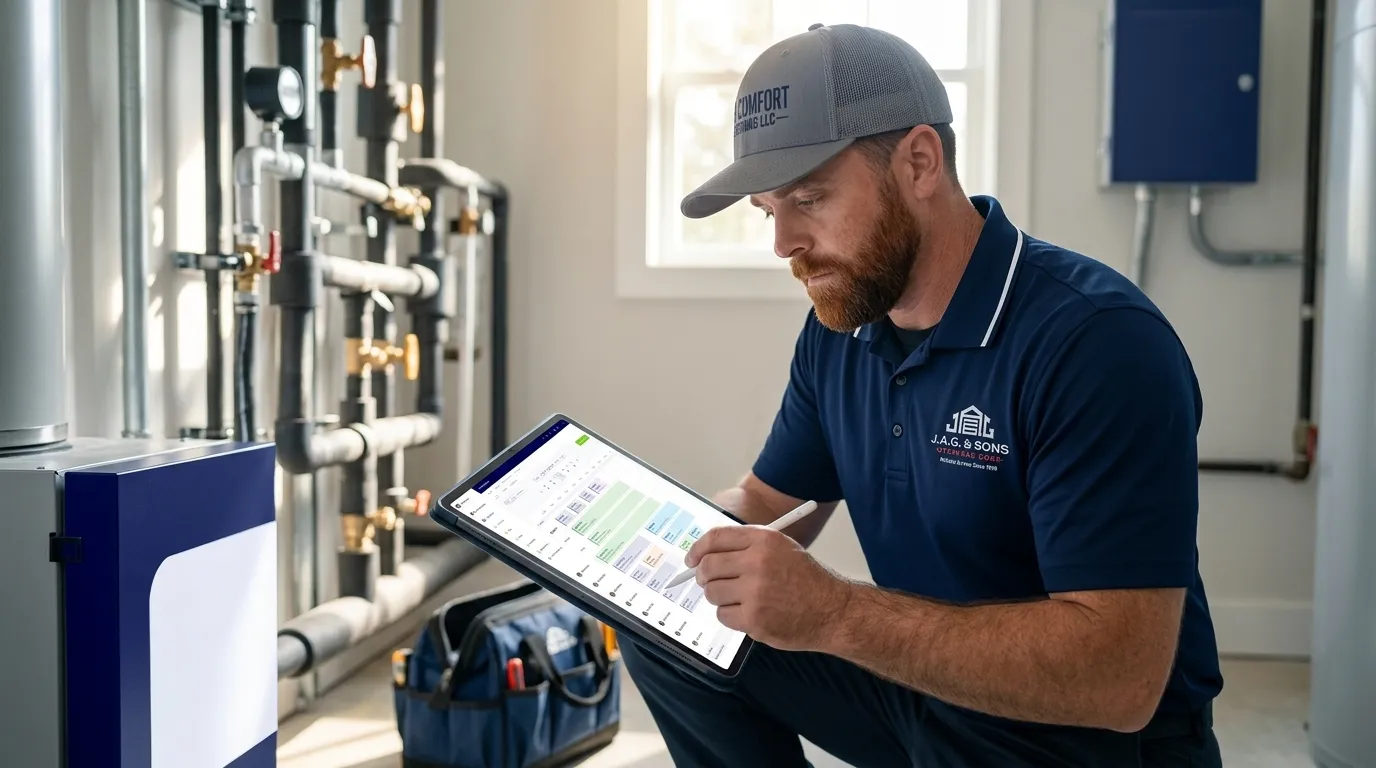
- A true field service scheduling app carries the full job record, including customer’s history, parts, labor, photos, and signatures, from office to field and back.
- Core features that matter most include drag-and-drop scheduling, mobile apps with offline capability, GPS tracking, automated notifications, and two-way QuickBooks integration.
- Team size and workflow complexity should drive your choice. Teams with 4–50 techs need workflow standardization and job costing that simple tools cannot support.
- FieldPulse is built for this growth stage, standardizing workflows, syncing two ways with QuickBooks, and delivering 25% efficiency gains. Book a demo to see how it connects your office and field on one workflow.
What A Field Service Scheduling App Actually Does
A field service scheduling app lets you assign jobs to techs, manage calendars, and track job status in real time. It usually includes drag-and-drop scheduling, mobile access for techs, GPS tracking, automated customer notifications, and integration with invoicing and accounting tools.

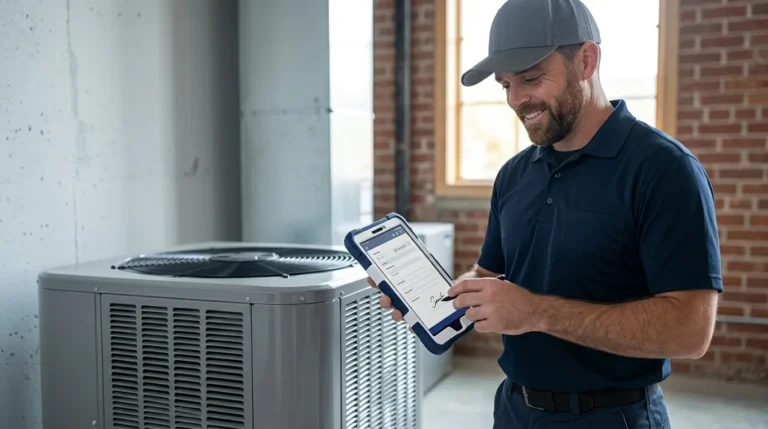
This works very differently from a generic scheduling tool like Calendly. A generic tool books a time slot. A field service scheduling app carries the full job, including the customer’s history, equipment records, parts, labor, photos, and signatures, from the office to the field and back. When a tech fills out a digital form on a tablet, the data is in the system before the van leaves the driveway, so a job completed at 2 PM can be invoiced by 2:15 PM instead of next Thursday.

Core Features To Look For In A Field Service Scheduling App
Certain features directly fix the workflow problems that show up as your team grows. Focus on these first:
- Drag-and-drop scheduling, so your dispatcher can handle an emergency request without rebuilding the whole day through phone calls.
- Mobile app for techs, so the field can see job details, update status, and collect signatures without calling the office.
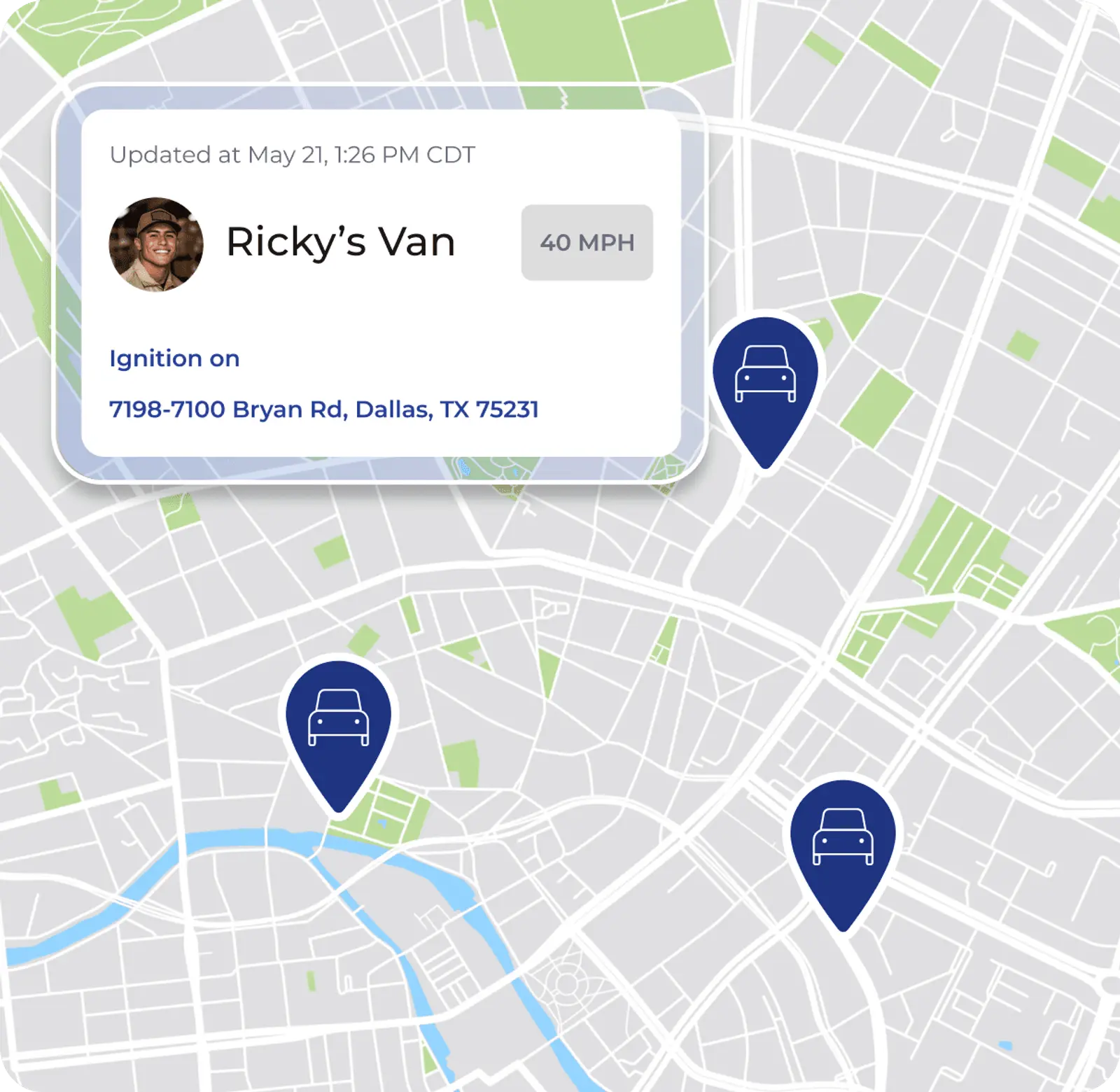
- GPS and live tracking, so the office can answer “where is my tech” without interrupting them mid-job.
- Automated customer notifications, so “on the way” texts and appointment reminders send at the right time without anyone remembering.
- Job status workflows, so every job type follows the same stages and nothing gets missed.
- Offline capability, so work continues in basements, crawlspaces, and rural areas with weak signal. 68% of techs report regularly working in areas with poor cellular connectivity, and organizations with offline-capable apps report 52% fewer incomplete work orders.
- QuickBooks integration, so your office stops entering the same invoice twice. QuickBooks integration is table stakes for field service software.
- Reporting, so you can see which jobs, customers, and job types actually make money.
With these features in mind, you can compare options based on how well they support your growth stage instead of just counting features.
Field Service Scheduling App Comparison: 2026 Options By Team Size
Team size and workflow complexity matter more than raw feature count when you compare tools. Published pricing for field service management software in 2026 clusters into three tiers: entry ($30–$60/user/mo), mid-market ($80–$160/user/mo), and enterprise ($150–$400/user/mo). The table below shows how each option maps to team size and workflow complexity, and how pricing and capabilities line up with the 4-to-50 tech range where FieldPulse fits.
| App | Best For | Key Strengths | Pricing Model |
|---|---|---|---|
| Jobber | Small teams with straightforward scheduling and invoicing needs | User-friendly interface, drag-and-drop scheduling, QuickBooks Online sync, offline mobile app, route optimization. Core plan starts at $39/mo for one user. | Tiered subscription; entry tier at $30–$60/user/mo |
| Housecall Pro | Residential service teams of 1–10 techs competing on customer experience | Drag-and-drop scheduling, GPS tracking on Essentials and above, QuickBooks Online and Desktop integration (typically one-way from Housecall Pro to QuickBooks). Offline mode supports viewing stored job data but editing without connectivity is not currently supported. | Tiered subscription; Basic at $59/mo, Essentials at $149/mo, MAX at $299/mo (billed annually) |
| ServiceTitan | Large operations with enterprise-scale complexity and budget | Deep job costing, inventory management, payroll automation. Implementation fees frequently exceed $15,000, and the platform carries a steeper learning curve than SMB tools. | Custom quote only; typically $145–$400/user/mo depending on modules |
| FieldPulse | Growing teams in the 4-to-50 tech range that need standardized workflows and job costing | FieldPulse's Mobile Focus guided workflows, true offline mode, drag-and-drop scheduling, two-way QuickBooks Online sync, job costing, inventory management, roles and permissions, 60+ prebuilt reports. 4.8/5 aggregate rating across G2, Capterra, the App Store, the Google Play Store, and other software-review sites. | Seat-based, quoted per business based on team size and required capabilities |
| ServiceM8 | Smaller teams with simpler needs and lower job volume | Pay-as-you-go pricing works as a low-cost entry point for very small operations. Starts at $29/mo for 30 jobs but becomes more expensive than Jobber above roughly 50 jobs/month. | Pay-as-you-go; $29/mo for 30 jobs |
Ready to see FieldPulse in action? Get a demo and watch how it syncs your office and field on one workflow.
How To Choose Based On Team Size And Workflow Complexity
Your team size and job complexity give you a simple way to narrow the list. Use this framework:
- 1–5 techs with simple needs: A basic scheduling app may be enough. You need calendars, job assignment, and invoicing. Tools like Jobber’s Core plan or ServiceM8 cover this range.
- 4-to-50 techs with multiple job types: You need workflow standardization, job costing, inventory tracking, and accounting sync. A field service scheduling app that carries the full job record, not just the appointment, becomes necessary. This is where the gap between simple tools and enterprise platforms is widest, and where FieldPulse is built to fit. Businesses with fewer than 8 techs almost certainly don’t need ServiceTitan, because its implementation cost and per-user pricing rarely pay back below that threshold.
- 50+ techs or multi-location (enterprise): You may need enterprise capabilities, but confirm that the extra complexity and cost match your actual workflow.
The right app reduces your administrative burden. The wrong one adds more manual tracking and missed handoffs. Processes built for a 10-person team break operationally at 50 techs, and the same pattern shows up earlier when growth outpaces process development.
The Office Administrator's Perspective: Fixing The Double-Job Tax
Your office administrator or dispatcher often decides whether a new system succeeds. If they are not convinced, the rollout stalls, no matter how strong the demo looked.
The core problem is the double-job tax. Your tech does the work once in the field and records parts, labor, photos, and signatures. Then your office repeats that work at a desk, retyping parts and labor into an invoice, re-entering the customer into QuickBooks, and filing photos where someone can find them. The work is finished only when someone in the office has re-created it in a second place. That second pass scales with job volume, not with revenue, and it usually becomes the first thing that breaks operationally when you add crews.
These capabilities reduce that burden for your office:
- Two-way QuickBooks Online sync, so a correction made in QuickBooks carries back into your field software instead of being overwritten. This ends most double entry.
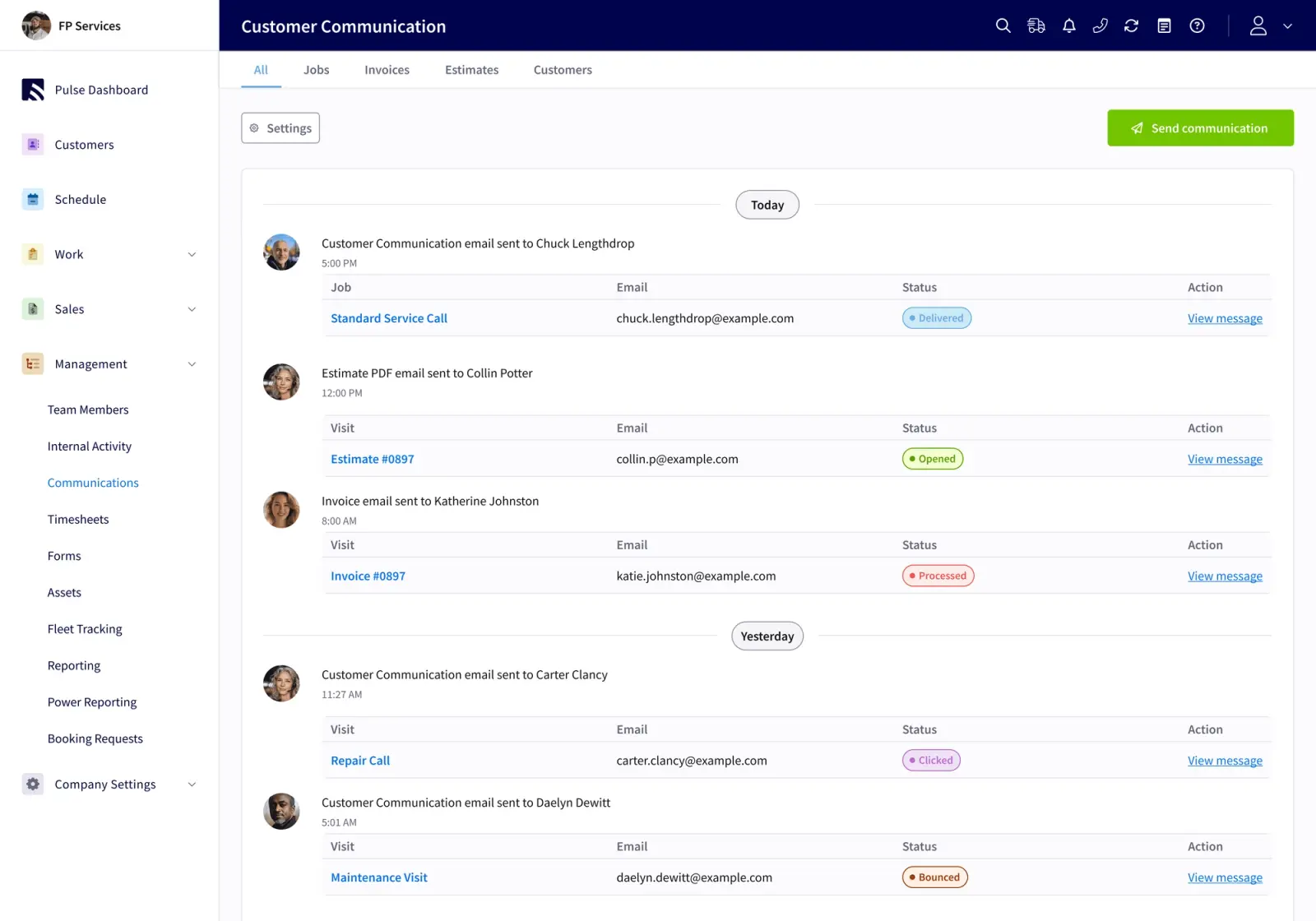
- Automated customer notifications, so “on the way” texts send at the right job stage without anyone remembering.
- A shared customer record, so the office can answer a customer’s question without calling a truck.
FieldPulse reduces this burden in three ways: its two-way QuickBooks Online sync, ClearPath status workflows that push job progress to the office automatically, and a single customer record the whole team works from. On average, FieldPulse office teams save more than 40 hours per month.

Want to pinpoint your biggest admin bottlenecks? Take the three-minute Admin Workload Assessment.
Free And Low-Cost Options: Tradeoffs To Expect
Free or very low-cost scheduling apps usually lack the features growing teams need:
- Job costing
- Offline mode
- Robust reporting
- Workflow standardization
There are no genuinely free field service management platforms with meaningful capacity. Free tiers from general tools like spreadsheets work only for very low job volume. A tool that works at three jobs a week breaks operationally at thirty. That happens because the hidden cost, the manual work required to compensate for what the tool cannot do, scales directly with your growth.
Industry-Specific Considerations For Your Trade
Different trades have different workflow requirements. Focus on these priorities by trade:
- HVAC: Maintenance agreements, equipment history, and pricebook integration matter most. Flat-rate pricing tied to a pre-built pricebook, like the Reece HVAC catalog available in FieldPulse, cuts quoting time dramatically. Fair Comfort Solutions reduced estimate creation time by 98%, from 4–8 hours per quote down to 4–8 minutes, after connecting the Reece pricebook in FieldPulse.
- Plumbing: Job costing and inventory tracking for parts-heavy work are essential to protecting your profit margin. Qualified Plumbing in Hawaii saved 7–9 hours per week and increased revenue 23% after switching to FieldPulse.
- Electrical: Multi-stage project workflows and the ability to track job progress across visits are critical for keeping complex jobs on schedule.
- Garage door: Customer’s history and equipment records for repeat service, including opener model and last visit details, reduce call-backs and improve first-time fix rates.
FieldPulse has particular depth in these residential trades, with HVAC, plumbing, and garage door service as its lead verticals.
Frequently Asked Questions About Scheduling Apps
What Is The Best Field Service Scheduling App?
The best field service scheduling app depends on your team size and workflow complexity. For growing teams in the 4-to-50 tech range that need workflow standardization, job costing, and QuickBooks integration, FieldPulse is well-suited. Smaller teams with simpler needs may find Jobber or ServiceM8 sufficient, while larger operations may require ServiceTitan’s enterprise capabilities. The right answer is the one that fixes your specific workflow problems instead of the one with the longest feature list.
Is There A Free Field Service Management App?
Some platforms offer free tiers or limited plans, but they usually lack the features growing teams need, such as job costing, offline mode, robust reporting, and accounting integration. ServiceM8 offers pay-as-you-go pricing that works as a low-cost entry point for very small operations. For teams managing 10 or more techs, free tools usually create more manual work than they save, and the hidden cost shows up in the hours your office spends compensating for what the tool cannot do.
What Is The Best Scheduling Software For Service Technicians?
The best scheduling software for service techs is one they will actually use every day. Look for a mobile app with offline capability, clear job instructions, and minimal data entry. FieldPulse's Mobile Focus shows techs only what the current job stage requires, with single-tap action buttons. RDI, a FieldPulse customer, rolled out time tracking to a crew that had used physical time cards for thirty years and was running payroll within two weeks, even though they expected six months.
How Much Does Field Service Scheduling Software Cost?
Field service scheduling software typically costs between $29 and $600+ per month depending on platform, number of users, and features. Most small businesses pay $49–$149 per month. Pricing models vary and include per-user subscriptions, tiered plans, and flat-rate options. FieldPulse pricing is seat-based and quoted per business based on team size and required capabilities. Hidden costs to watch for include onboarding fees, payment processing rates, and features gated behind higher tiers.
How Long Does Implementation Take?
Implementation usually runs 2 to 6 weeks depending on company size, which capabilities you enable, how much data must migrate, and accounting setup. FieldPulse assigns an implementation manager who runs recurring working sessions, sequences the rollout into phases, and assigns small tasks between sessions so your team can practice. RDI put it this way: “We ripped band-aids off one at a time, instead of all at once.” Your existing QuickBooks Online customers and records come with you when you connect, so you are not rebuilding a customer list from scratch.
Can I Use A Generic Scheduling Tool Instead?
Generic scheduling tools handle appointments but not jobs. A field service scheduling app carries the full job record, including the customer’s history, equipment details, parts, labor, photos, and signatures, and connects your office to the field. If you only need to book time slots, a generic tool works. If you want job completion to become an invoice without re-entry, you need field service software.
How Do I Get My Techs To Adopt The App?
Involve techs early, train by role, and show them what they gain: less paperwork, clear job instructions, and no duplicate entry. Run a pilot with a respected crew before full rollout. FieldPulse customers consistently report that the Mobile Focus speeds adoption because techs see only what the current job stage requires instead of a full application to navigate. The key is making the benefit visible to the person doing the work, not only to the owner.
Conclusion: Match The App To Your Real Workflow
You can choose confidently when you focus on how work actually moves through your business. Start by assessing your team size. Then document how your current jobs really move, including the missed invoices, schedule changes that turn into phone trees, and quotes that take all afternoon. Finally, compare field service scheduling apps against those specific problems.
For teams in the 4-to-50 tech range in HVAC, plumbing, garage door, electrical, and related residential trades, FieldPulse is built for this growth stage. It standardizes how work moves from your office to the field and back. It connects everyone on one job record, syncs two ways with QuickBooks Online, and works offline when signal drops, all without causing a mutiny from your office or your field. As noted earlier, FieldPulse customers see significant efficiency gains, on average 25%, along with a 50% increase in on-time delivery and 16+ new customers added every month.
The right field service scheduling app fixes your workflow problems and supports your next stage of growth. For teams that have outgrown simpler tools and do not need full enterprise complexity, that fit often points to FieldPulse.
See for yourself how FieldPulse standardizes your workflow and connects your office and field. Schedule a demo today, or call sales at +1 (817) 635-2218.