Key Takeaways
-
A work order closeout app captures job documentation, parts, labor, photos, and customer signatures on site so completed work becomes billable right away.
-
Closeout follows a defined sequence: documentation, parts logging, labor recording, scope changes, customer sign-off, and invoice-ready handoff. Skipping any step creates billing delays or lost revenue.
-
The first two approaches use disconnected tools. A standalone closeout app still creates new handoffs. A full field service platform keeps closeout inside the connected job record so data reaches invoicing without re-entry.
-
Offline functionality, required-field enforcement at each job stage, and a mobile view that shows only the current step help your techs complete closeout consistently and avoid missing details.
-
FieldPulse connects closeout to the full workflow with ClearPath stage enforcement and two-way QuickBooks sync. Book a demo to see how it reduces manual handoffs and speeds cash flow.
What Happens During A Work Order Closeout
Closeout is a sequence of steps, and each one matters. Each step has a clear action and a role responsible for it. When responsibility is ambiguous, steps get skipped, and skipped steps turn into billing delays or disputes.
-
Documentation and photos, tech. The tech captures job notes, before-and-after photos, and any relevant readings or findings while still on site. Photos captured but not labeled or tied to specific work steps are one of the most common closeout failures, and they are the most legally significant missing data point.
-
Parts and materials used, tech. Every part consumed gets logged against the job record. The $12 fitting that never makes it from a tech’s notes to the invoice is pure profit leaking out of your business. Small parts and materials are the most common omission on manual field service invoices.
-
Labor hours, tech confirmed by the office. Actual hours worked get recorded against the job, not estimated. The office confirms they match what was dispatched.
-
Scope changes and change orders, tech captures and office or owner approves. Any work performed beyond the original scope gets documented before the tech leaves. A change order approved verbally on site rarely reaches the invoice automatically, and by the time someone processes it, the customer may dispute it because the work feels like ancient history.
-
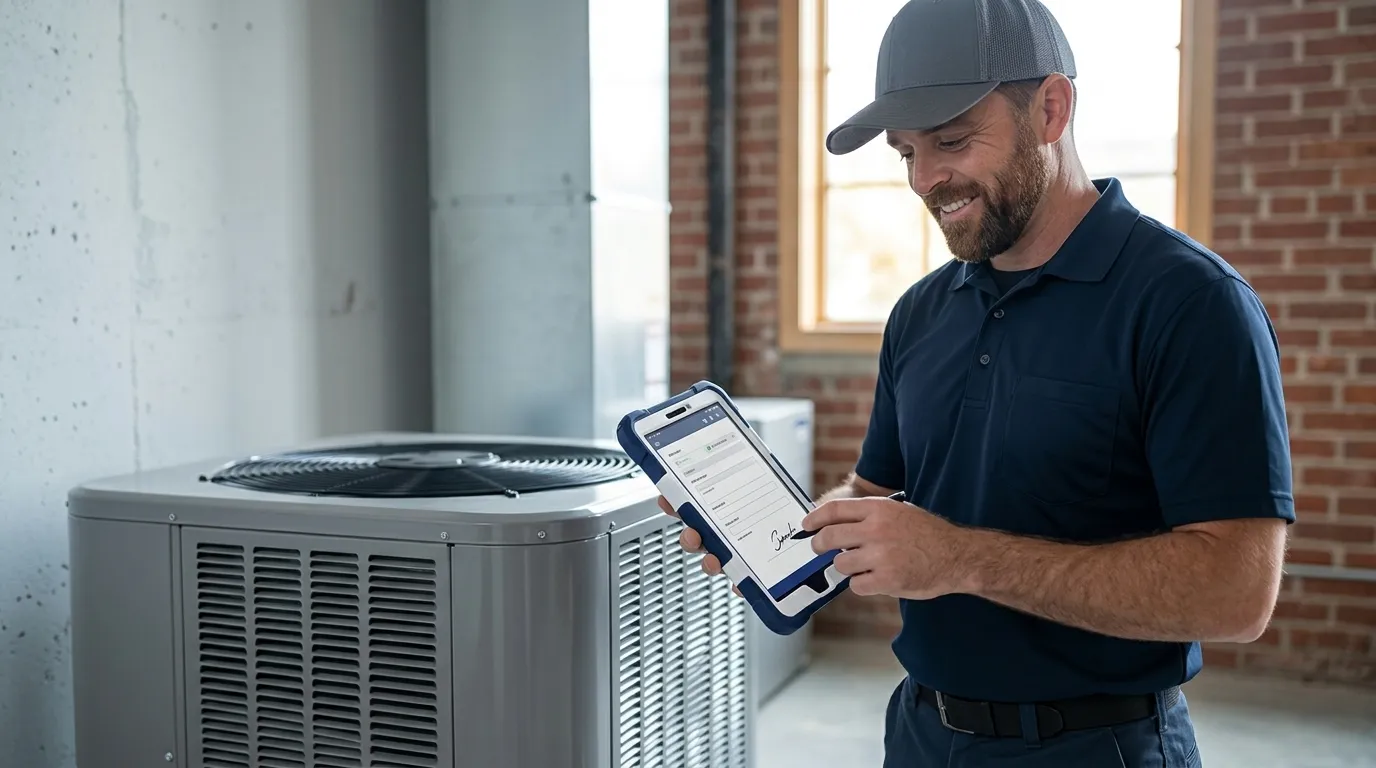
Customer sign-off, tech. A digital signature collected on site confirms the work was completed to the customer’s satisfaction and creates a record that supports the invoice.
-
Invoice-ready handoff to the office, office administrator. The completed job record with parts, labor, notes, photos, and signature reaches the office without re-entry. The administrator converts it to an invoice.
What A Complete Work Order Closeout Record Includes
A complete closeout record gives your office everything it needs to build an accurate invoice without calling the tech. That record should include:

-
Job notes describing what was found and what was done
-
Before-and-after photos tied to specific work steps
-
Serial numbers and equipment records
-
Every material and part consumed, with quantities
-
Actual labor hours tied to the job
-
Any work performed beyond the original scope, with approval documented
-
The customer’s signature
-
Payment collected or authorization trail
Closeout is the last chance to capture billable parts, labor, and scope changes before the job record leaves the field. According to field service operations research, 41% of service calls lack at least one required data field at close. Missing data does more than delay an invoice. It turns earned revenue into revenue that never gets billed.
The change order scenario is often the most expensive version of this problem. A tech gets verbal approval on site to replace an additional component. Nobody logs it. The invoice goes out for the original scope. The business eats the cost of the extra part and labor. Invoices lag after job completion because of manual handoffs with incomplete job-close data. Scope changes that are not captured at the moment they happen are rarely recovered cleanly.
Standalone Closeout App Vs. Full Field Service Platform
A standalone closeout app solves the capture problem. It gives your techs a mobile form to fill out before they leave the driveway. That is a clear improvement over access files and text messages.
This approach still creates a new handoff. The closeout data has to reach the office, the books, and the invoice. Someone re-enters it somewhere. Using separate apps for invoicing and scheduling is possible, but integrating them adds complexity and creates a source of data sync errors. When invoicing and scheduling data live in separate systems, discrepancies eventually appear between what a job record says and what was billed.
Closeout is the final step of a workflow that runs from the office to the field and back. That workflow covers scheduling, dispatch, job execution, closeout, invoice, payment, and posting to your books. When closeout lives inside that workflow, the completion event in the field is the same system event that queues the invoice. When it lives in a standalone app, you trade one manual handoff for another.
FieldPulse is built as the platform where closeout is the last step of a connected workflow. The spine of that workflow is ClearPath, included in the core platform, which turns your process into job stages with required actions at each stage. Your techs see a clean mobile view showing only what the current step needs, such as the checklist, the photo requirement, or the signature field, and they cannot advance the job until those actions are complete.
Around ClearPath sits the full job lifecycle, from scheduling and dispatch through estimates, invoices, job costing, payments, customer communication, and reporting. A two-way QuickBooks Online sync then carries closeout data to your books without rekeying.
The key question for any vendor is simple. Does closeout data reach the invoice without re-entry? If the answer involves exporting, copying, or someone in the office rebuilding the job record from a PDF, the standalone app solved the capture problem and handed you a new one.
See how FieldPulse connects your office and your field on one workflow, and book a demo.
Offline Closeout: Keeping Jobs Moving Without Signal
Offline capability matters because of a specific failure. A tech in a crawlspace, a mechanical room, a basement, or a rural service area loses signal mid-closeout. They either skip it and plan to finish later, which often means it never gets finished, or they redo it back at the truck after details have already faded.
Sixty-nine percent of field service leaders identified data synchronization issues or offline functionality gaps as their most significant mobile workforce management challenge. The problem is common, and platforms differ a lot in how they handle it.
FieldPulse’s caching behavior for offline access works like this. The last week of jobs, projects, customers, estimates, and invoices ride along on the device. Your techs can save unlimited job notes, upload up to 50 photos at a time, update statuses, and clock in and out without a signal. If signal drops mid-edit, the active draft transitions automatically to an offline draft. Everything entered offline saves locally and syncs when the device is back in signal.
Some actions still require connectivity. Offline payment collection, purchase order creation, and new customer or job record creation are not supported offline. ClearPath’s Mobile Focus View does not display while offline. The guided stage view requires connectivity, but your techs can still complete most closeout documentation tasks without a signal, which covers common situations like rural areas or basements and attics.
When you evaluate any closeout app’s offline capability, test it directly. Put a device in airplane mode and attempt all critical workflows, including viewing jobs, completing notes, recording parts, capturing photos, and updating status. Many apps claim offline support but fail in real-world field conditions.
How To Get Technicians To Complete Closeout On Site
The main risk is a closeout app that your team uses for two weeks and then abandons because it adds taps at the end of a long day. The most common reasons techs skip or rush closeout steps are weak field requirements, slow photo uploads, and forms that feel too long on a phone while the customer is present.

Your process needs structure that fits how your techs actually work. The most effective setup combines required actions at a job stage with a mobile view that shows only the current step instead of the full application. Because your tech sees a short, ordered list rather than a whole system to navigate, adoption usually moves faster than teams expect, even for crews with no history of using software.
Techs who are prevented from closing a job without completing required forms fill them 94% of the time. Required-field enforcement is the highest-leverage first step. Keeping the required fields to a manageable number also matters. Too many required fields create form fatigue and push techs to rush through with inaccurate data just to clear the requirement.
RDI, a commercial interiors business in St. Louis that came from pen, paper, and Excel, shows how this can look in practice. They had a long-tenured field crew that had used paper time cards for thirty years. They expected six months to adopt time tracking. They were running payroll off the app within two weeks. As owner Scott Bertram described it: “The guys call into the office and say, ‘hey, I noticed in FieldPulse this wasn’t quite right, like, update it.’ They hold a certain level of accountability and they love it to be right from that perspective.”
How Closeout Connects To Invoicing And Cash Flow
Closeout on site shortens time to invoice and speeds payment. When closeout does not happen on site, the office waits, then chases the tech for parts and labor, and the invoice goes out days or weeks late or not at all. Invoices sent within 24 hours of service completion are paid significantly faster, often within 48 hours, while waiting a week to send the bill reduces the customer’s urgency to pay promptly.

The time-to-invoice impact shows up clearly in real numbers. RDI went from three weeks to five days after connecting their closeout workflow to invoicing through FieldPulse. That shift on projects averaging $10,000 to $15,000 changed their cash flow in a way that was immediately visible.
In FieldPulse, the job record carries parts, labor, notes, photos, and signatures from the field to the office as the work happens and converts to an invoice without re-entry. Your techs can invoice and collect card or ACH payment on site. “Pay Now” links go out by text or email. Payments auto-link to the right invoice, job, and customer.
See how FieldPulse ties closeout to invoicing and cash flow, and book a demo.
What To Look For When Evaluating Closeout Capability
When you compare platforms, use these questions to check how closeout really works.
-
Does closeout data reach the invoice without re-entry? If the answer involves exporting a file, copying fields, or having someone in the office rebuild the job record, you are looking at a new handoff instead of a fix.
-
Does the closeout step live inside the job record or in a separate app? A standalone closeout app solves capture but creates a sync dependency. Closeout inside the job record means the completion event and the billing trigger are the same event.
-
What happens when signal drops mid-closeout? Ask the vendor to show you what the tech sees, what data is preserved, and what syncs when connectivity returns. A simple claim that it works offline is not enough.
-
Can your office define required actions at each job stage? Required fields enforced at the stage level are what drive consistent closeout completion across your whole team.
-
Does a correction made in the books carry back into the field service software? A one-way sync means your bookkeeper’s corrections in QuickBooks get overwritten. A two-way sync keeps both systems current without a second round of data entry.
See how FieldPulse handles each of these questions, and book a demo.
Frequently Asked Questions
What Is A Work Order Closeout?
A work order closeout is the step between “job finished” and “invoice sent.” Your tech documents completed work, records parts and labor used, captures a customer signature, and hands the job record to the office before billing. When closeout happens on site before the tech leaves, completed work becomes an invoice quickly. When it happens later or not at all, the office chases the tech for details, invoices go out late, and earned cash sits uncollected.
How Long Should A Work Order Closeout Take?
A typical closeout on a standard service call should take only a few minutes on site. Your tech needs enough time to add notes, record parts and labor, capture photos, and get a signature without feeling rushed. If closeout regularly takes more than a few minutes, your forms likely have too many required fields or steps. Trimming the checklist to only what the office truly needs keeps closeout fast enough that techs will complete it before they leave.
What Happens If Closeout Is Incomplete?
An incomplete closeout usually shows up as missing parts, missing labor, or missing scope changes on the invoice. The office then has to track down the tech, guess at what happened, or write off the difference. Over time, these misses add up to real revenue loss and more billing disputes. A structured closeout process with required fields and clear stages reduces these gaps and keeps your invoices accurate.
What If The Customer Is Not Home To Sign?
When the customer is not on site, your tech can still complete every other closeout step. They can document the work, record parts and labor, and upload photos. Your office can then send the summary and a signature request by email or text. The key is that the job details are captured while the work is fresh, even if the signature arrives later.
How Should I Evaluate Closeout Capability Across Vendors?
As covered above, focus on whether closeout lives inside your job record, whether data reaches the invoice without re-entry, how offline work behaves, how required actions are enforced, and whether sync with your accounting system runs both ways. Clear answers in these areas show whether the platform removes handoffs or simply moves them.
Conclusion: Close The Job Before The Truck Leaves
Closeout is the handoff where completed work either becomes an invoice or becomes a chase. Each step in the sequence has a responsible role, and when any step is skipped or deferred, the office absorbs the cost in admin time, delayed invoices, and revenue that was earned but never collected.
Your next move can be simple. First, document your current closeout process as it actually happens. Second, identify where it breaks operationally, which step gets skipped most often, and why. Third, check whether closeout lives inside your job record or in a separate app, and whether the data reaches your invoice without someone re-entering it.
FieldPulse is the platform where closeout is the last step of a connected workflow, from scheduling and dispatch through job execution, closeout, invoicing, payment, and back into your books through a two-way QuickBooks Online sync. ClearPath turns your process into required actions at each job stage. Your techs complete a short, ordered checklist on their phones. Your office gets the job record without chasing anyone for it.